
Your work schedule
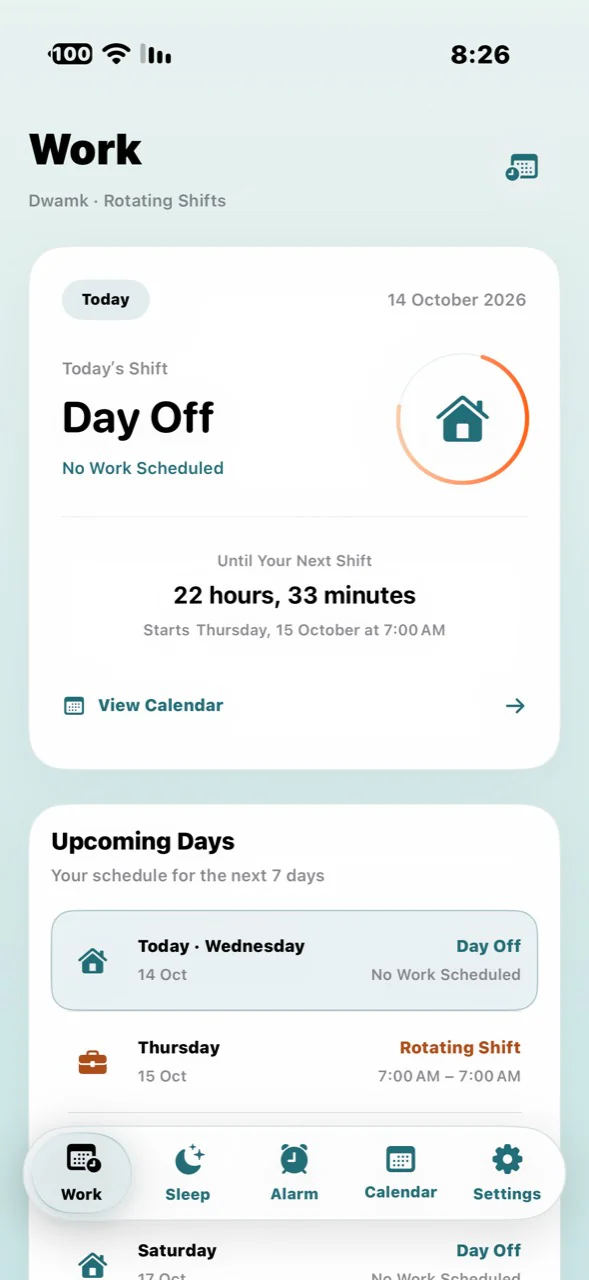
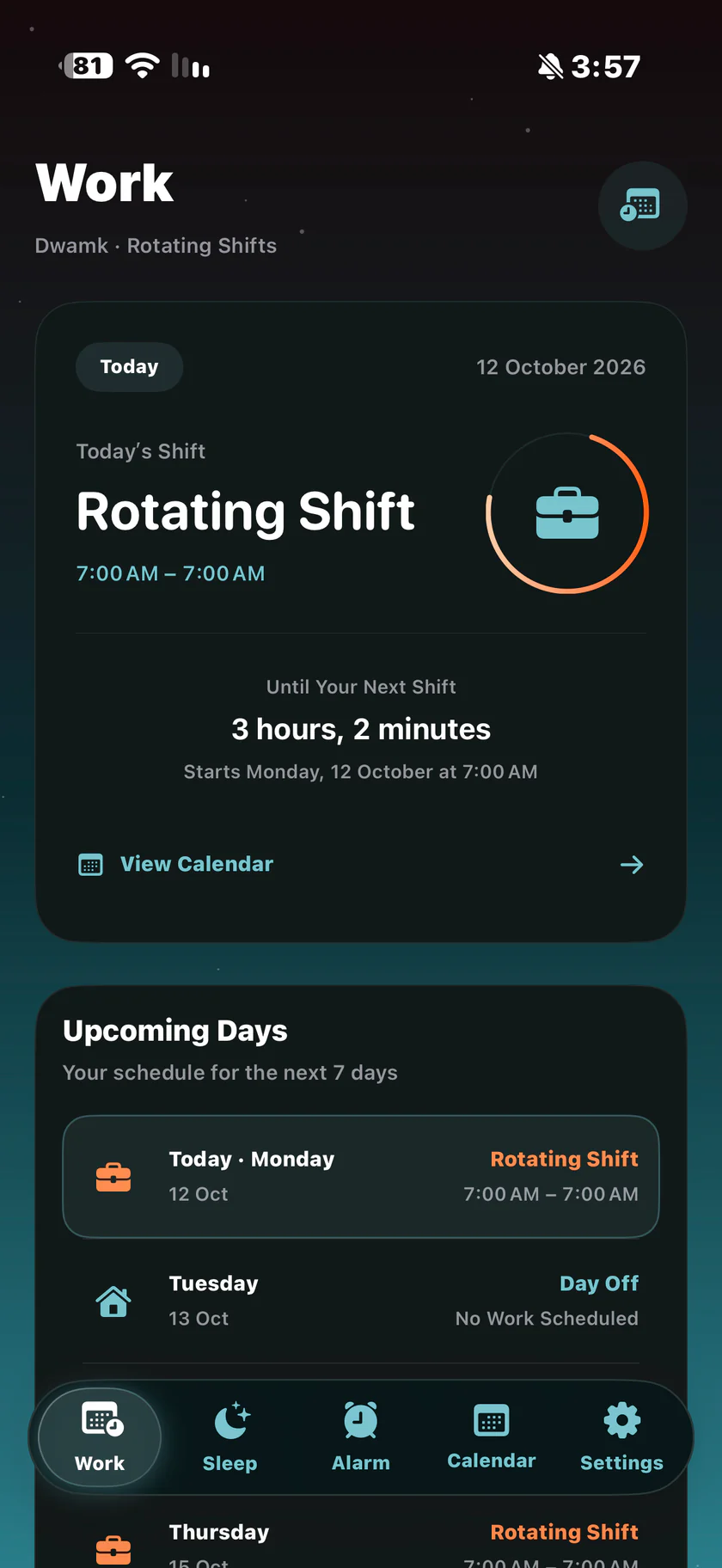
See today’s shift and upcoming work and rest days, with the times set in your schedule.
The official app website
Your work schedule, upcoming work and rest days, and your next alarm. The details of your day, together in Arabic and English.
Inside Dwamk
See today’s shift and upcoming work and rest days, with the times set in your schedule.
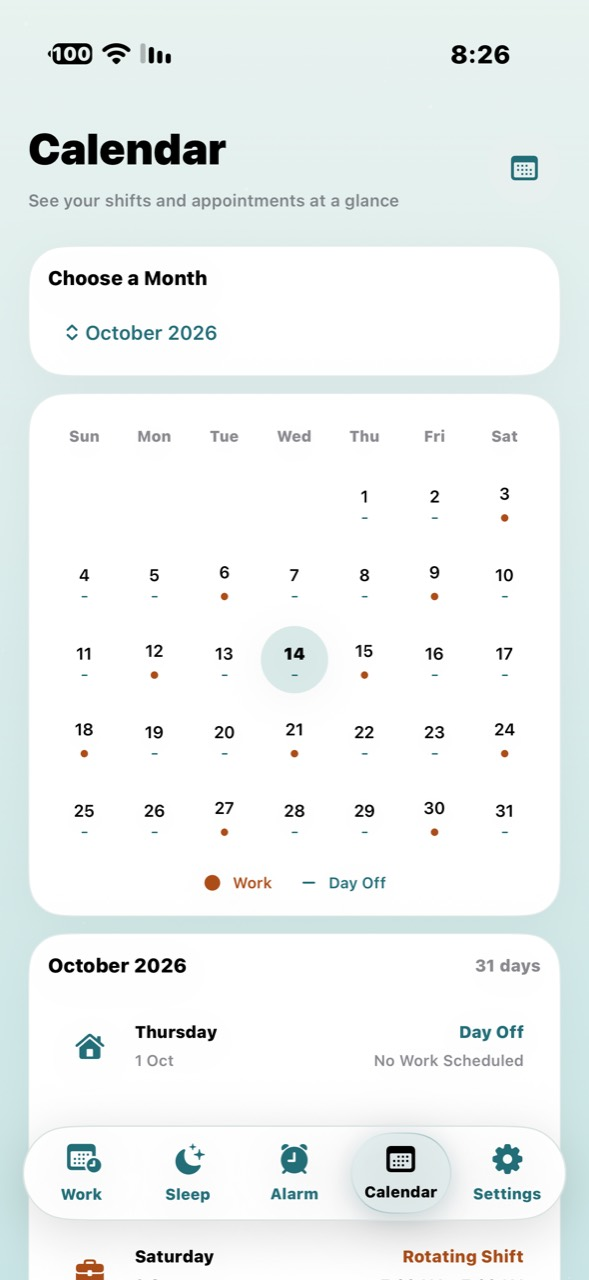
Browse your schedule by month and open a day to see its work and rest details.
Set a reminder before work, choose snooze options, and check your next alarm.
A look at the app
From your work schedule to the calendar, alarm and sleep. Genuine app screenshots that follow your language and appearance.
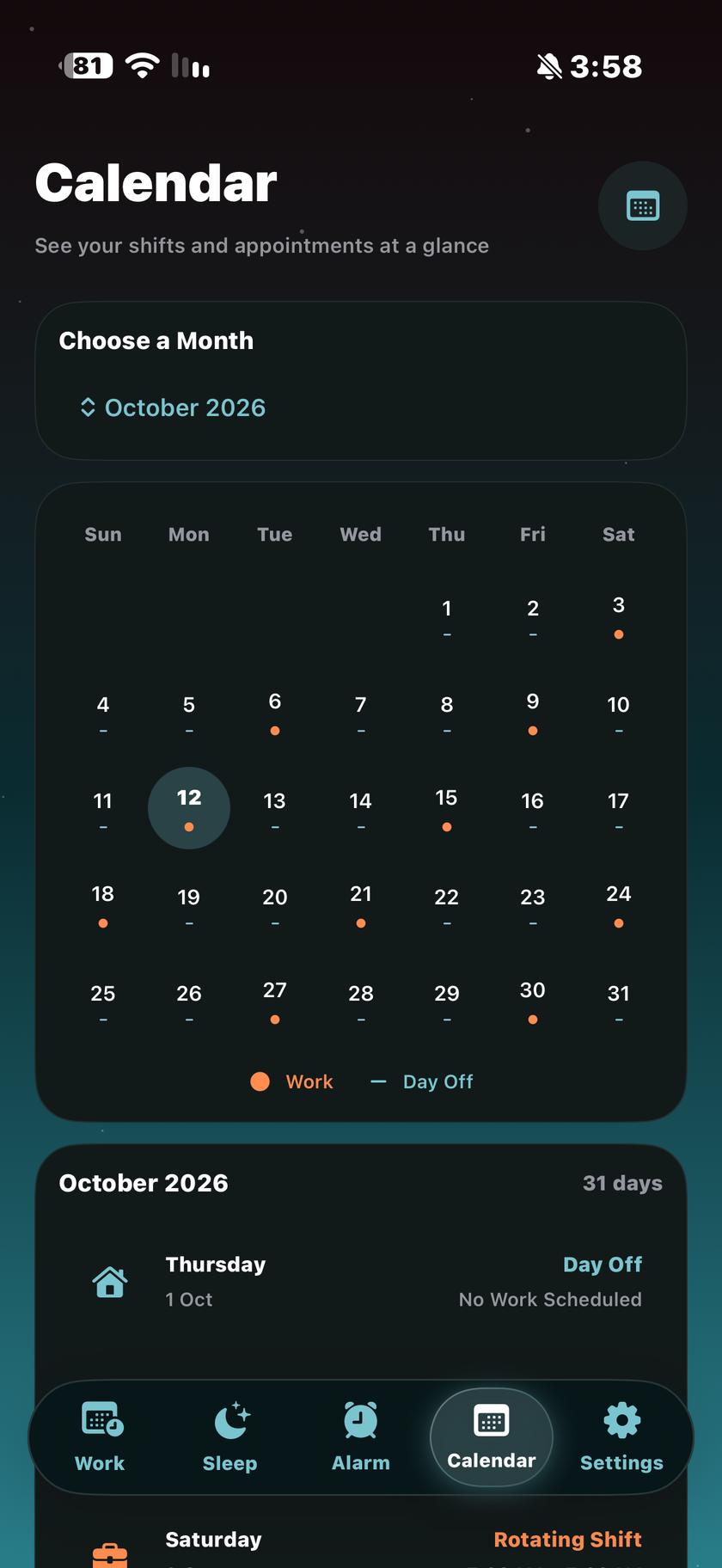
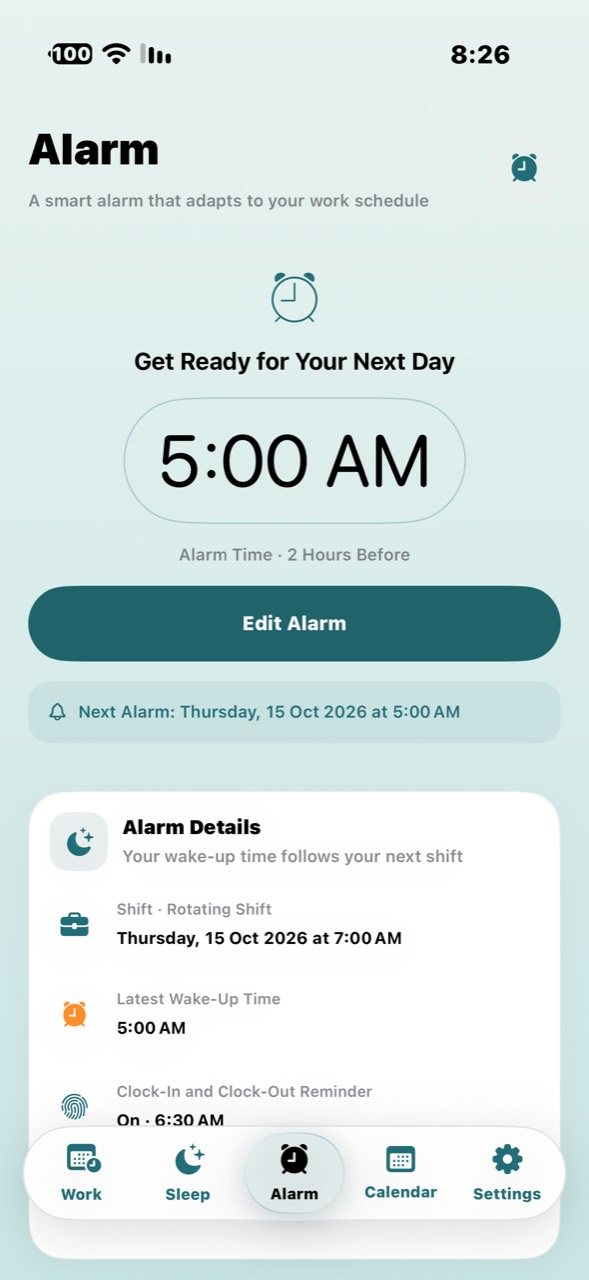
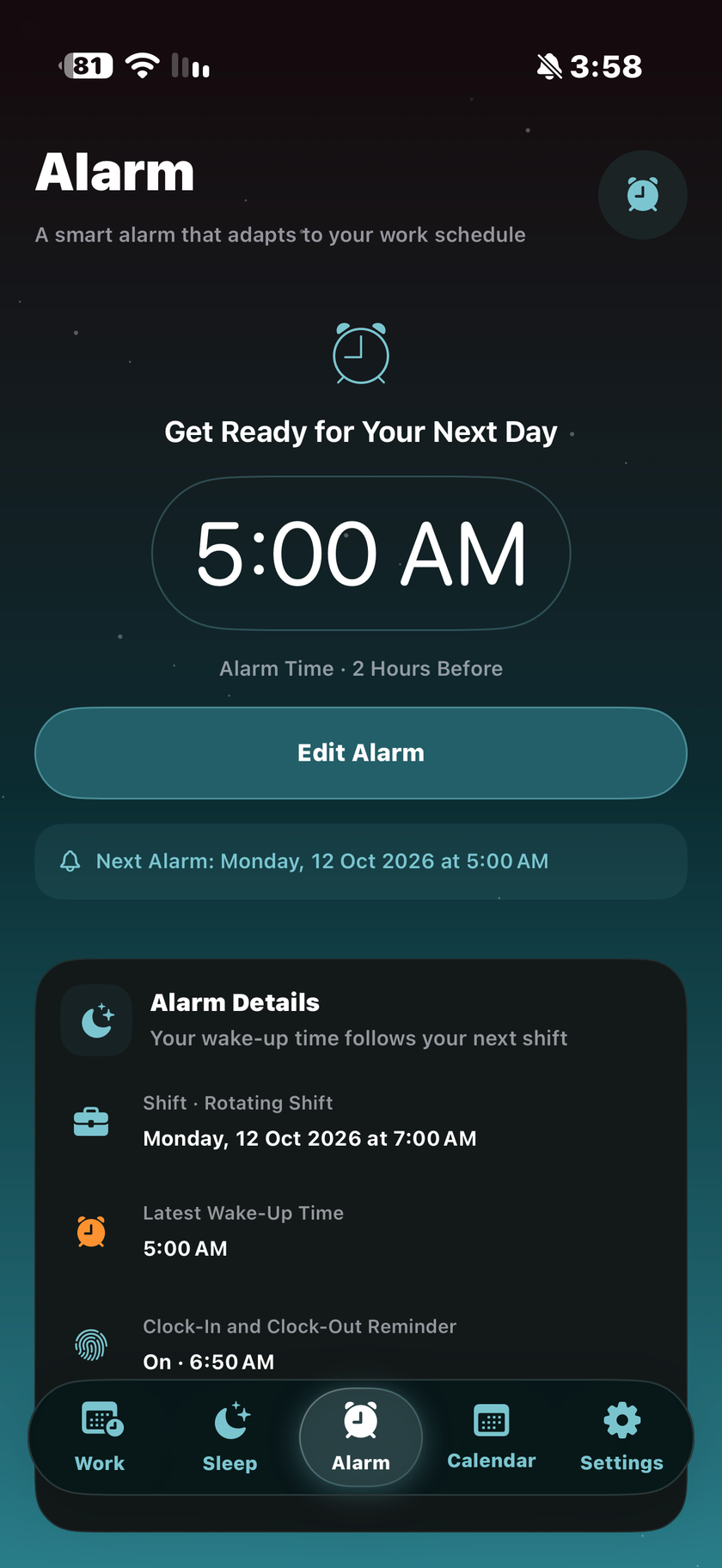
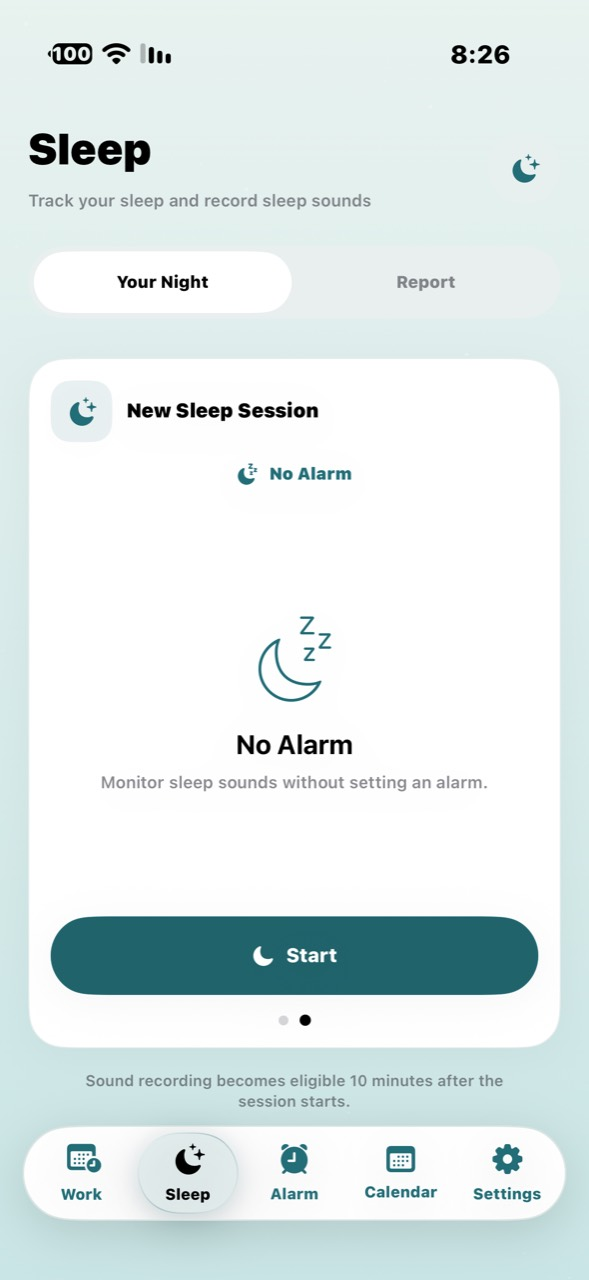
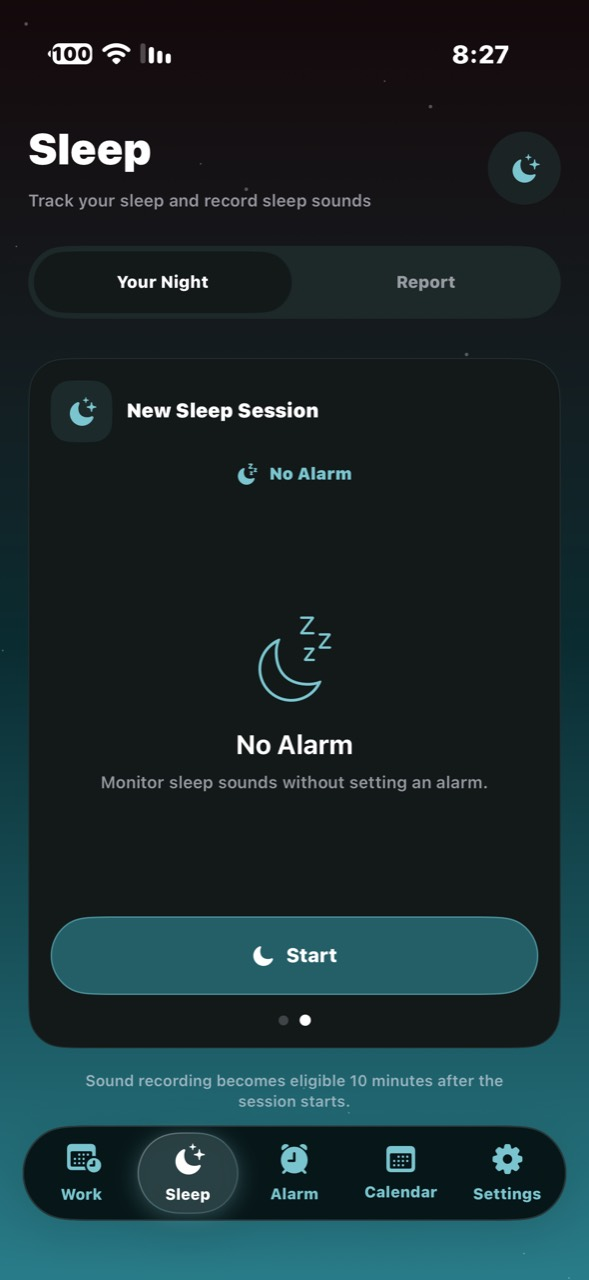
Dwamk brings work and university schedules, alarms and sleep tracking together. It helps you see your next shift and upcoming work and rest days, with your day’s details in Arabic and English.
In the app’s Settings, open the schedule type and choose daytime work, shifts, rotating shifts or university. Set the details for your chosen type, then check Work and Calendar to confirm the days and times.
Check the next alarm time and its settings in the app, and make sure notifications and alarms are permitted in your iPhone settings. Alerts can be affected by permissions, system conditions and power availability. Keep an alternative alarm available when needed, and contact support if the issue continues.